
Create Estimates & Invoices
Create professional estimates and invoices quickly using customizable products, pricing, and customer information.
Send Purchase Orders
Generate organized purchase orders for builders while reducing paperwork, confusion, and ordering mistakes.
Manage Products & Builders
Manage VIZTECH and custom builders, products, pricing, and collections from one centralized system.
Connect to Accounting & CRM
Connect QuickBooks Online and Zoho CRM systems to reduce duplicate entry and improve team workflows.
Simplify Furniture Order Management
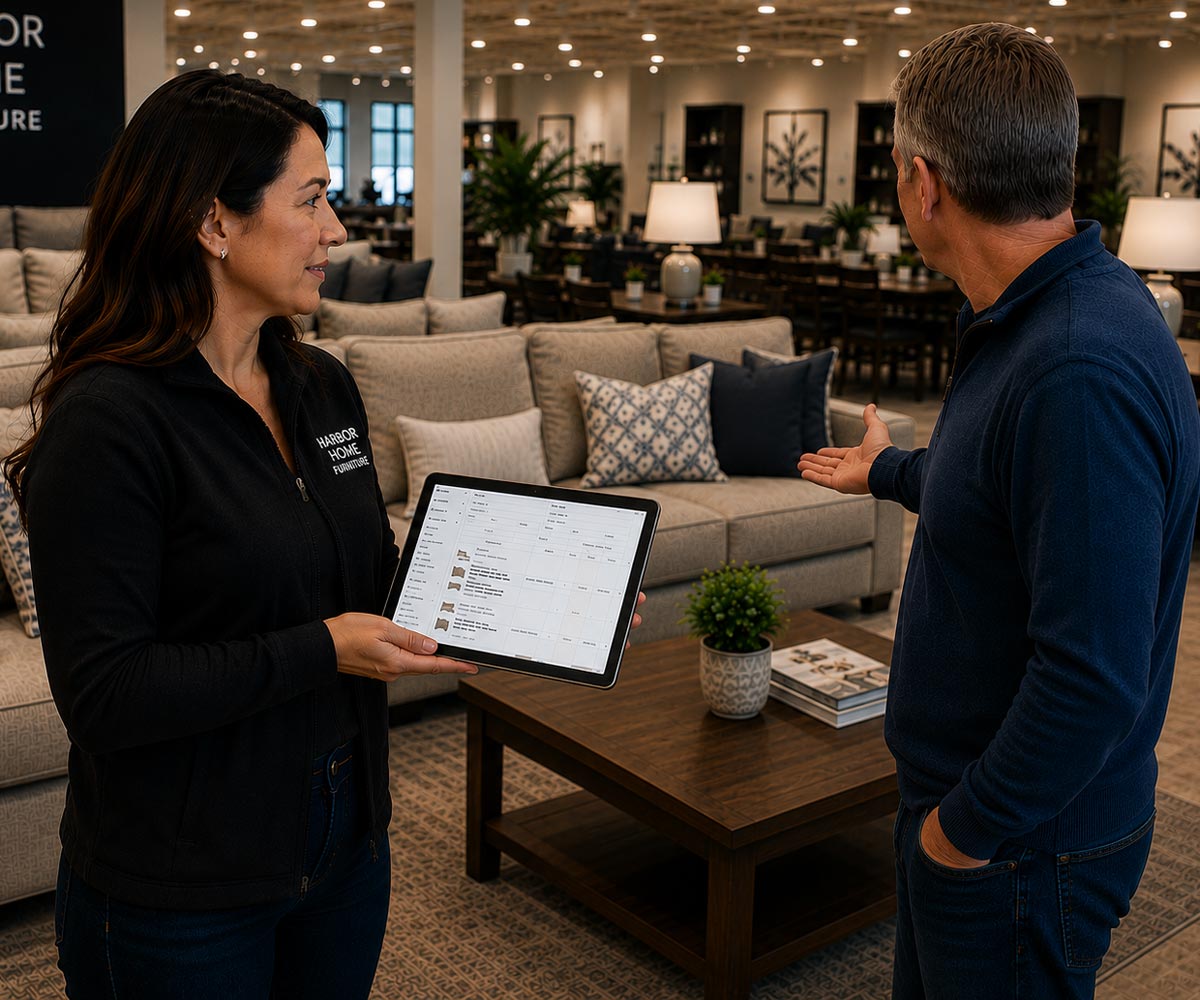
OrderFlow helps retail furniture sales teams create estimates, invoices, and purchase orders faster while keeping products, builders, and customer information organized in one place.
Built specifically for the furniture industry, OrderFlow works alongside the VIZTECH Furniture database while still giving you the flexibility to manage your own custom products and builders.
Whether you’re quoting a single chair or managing a large custom order, OrderFlow helps your team stay accurate, organized, and efficient.
Create Estimates & Invoices
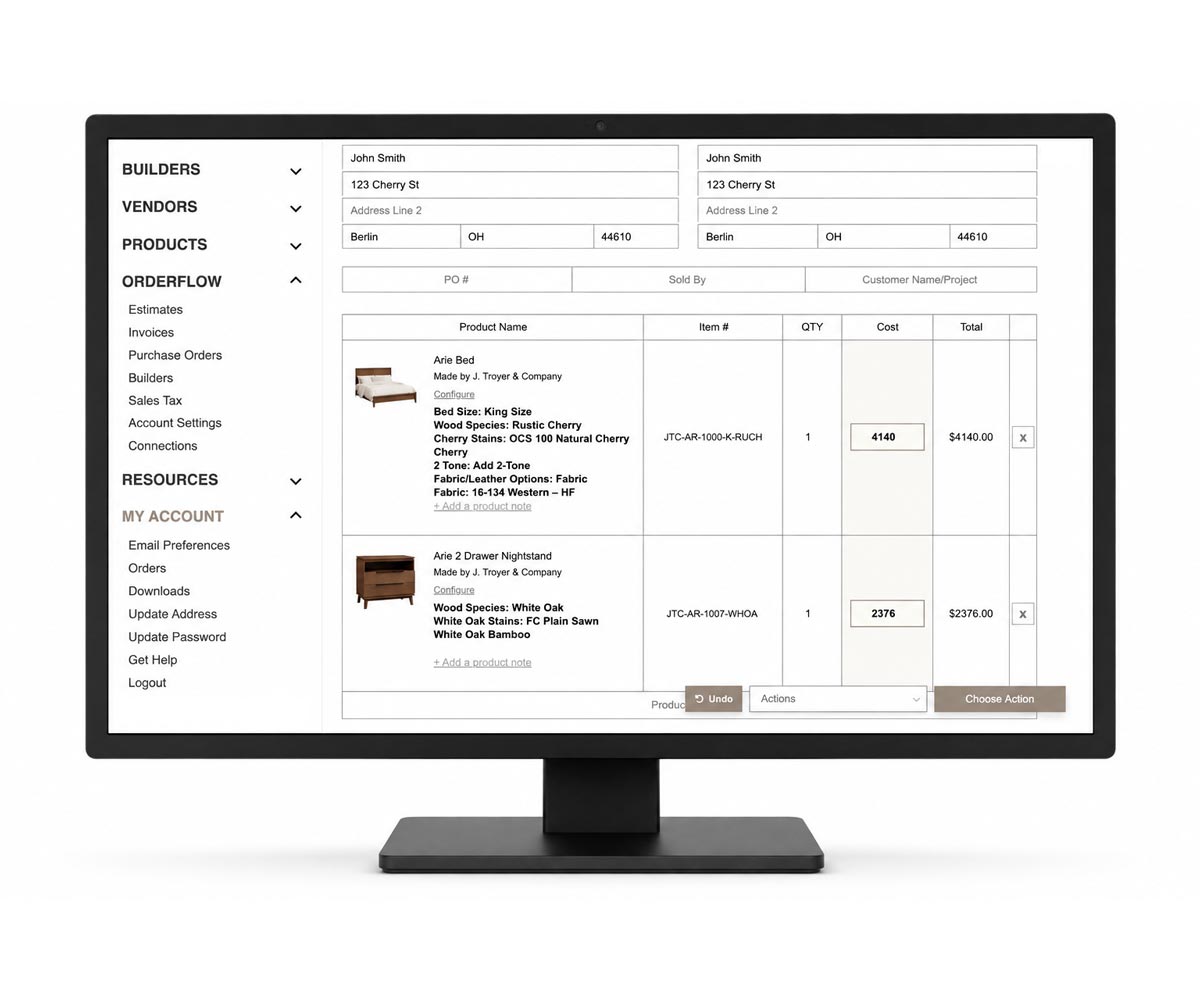
OrderFlow allows your sales team to quickly build customer quotes using products from the VIZTECH Furniture database and your own custom product catalog. Update pricing, options, finishes, and customer details without starting from scratch every time.
Features
- Create detailed customer estimates
- Convert estimates into invoices
- Customize pricing and product options
- Save customer order history
- Reduce manual data entry mistakes
Generate Price Tags
Features
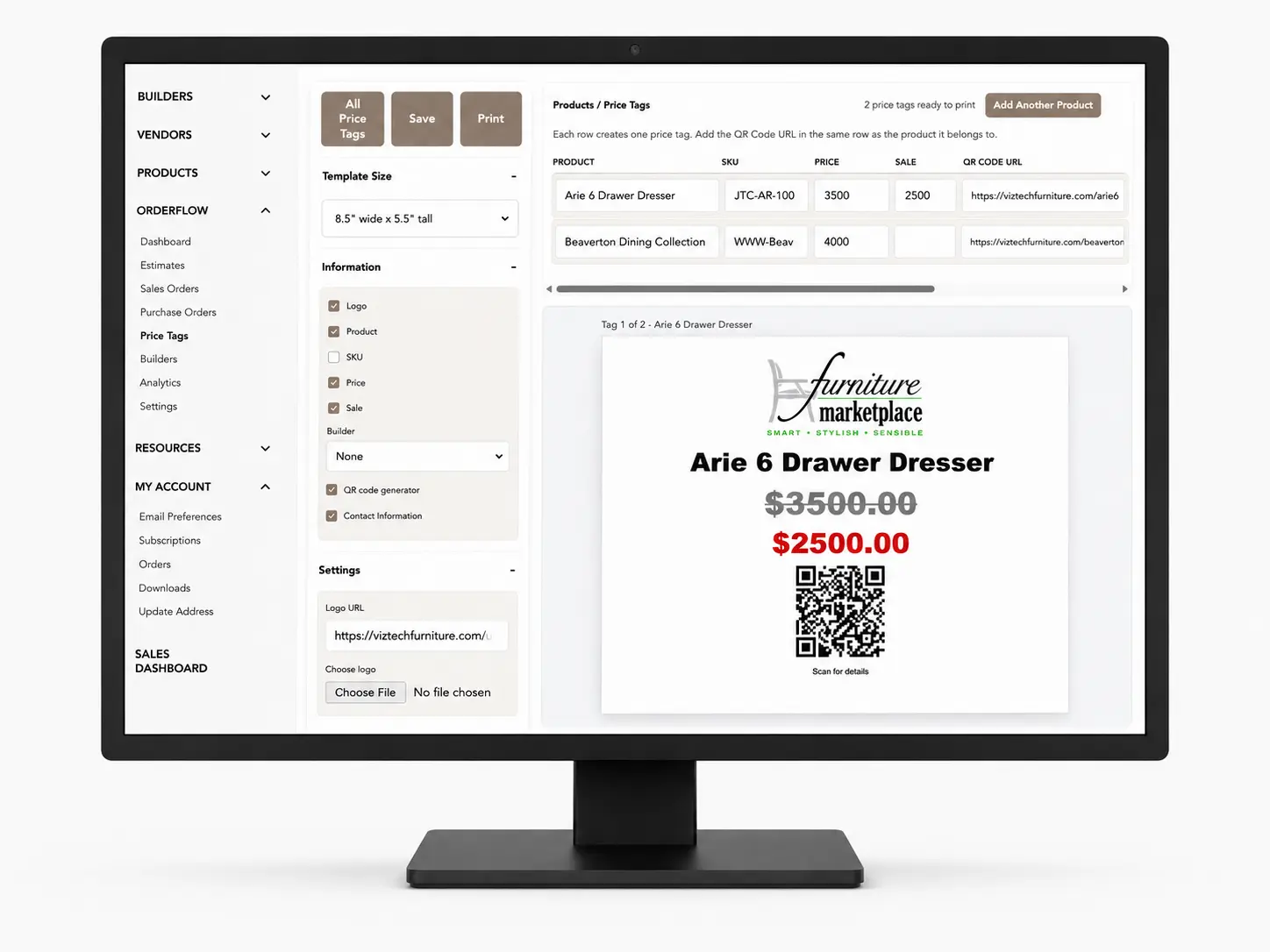
- Create price tags for multiple products
- Add product details, pricing, sale pricing, and SKUs
- Include QR codes for more product information
- Customize tag size, colors, fonts, and displayed details
- Save and print showroom-ready price tags
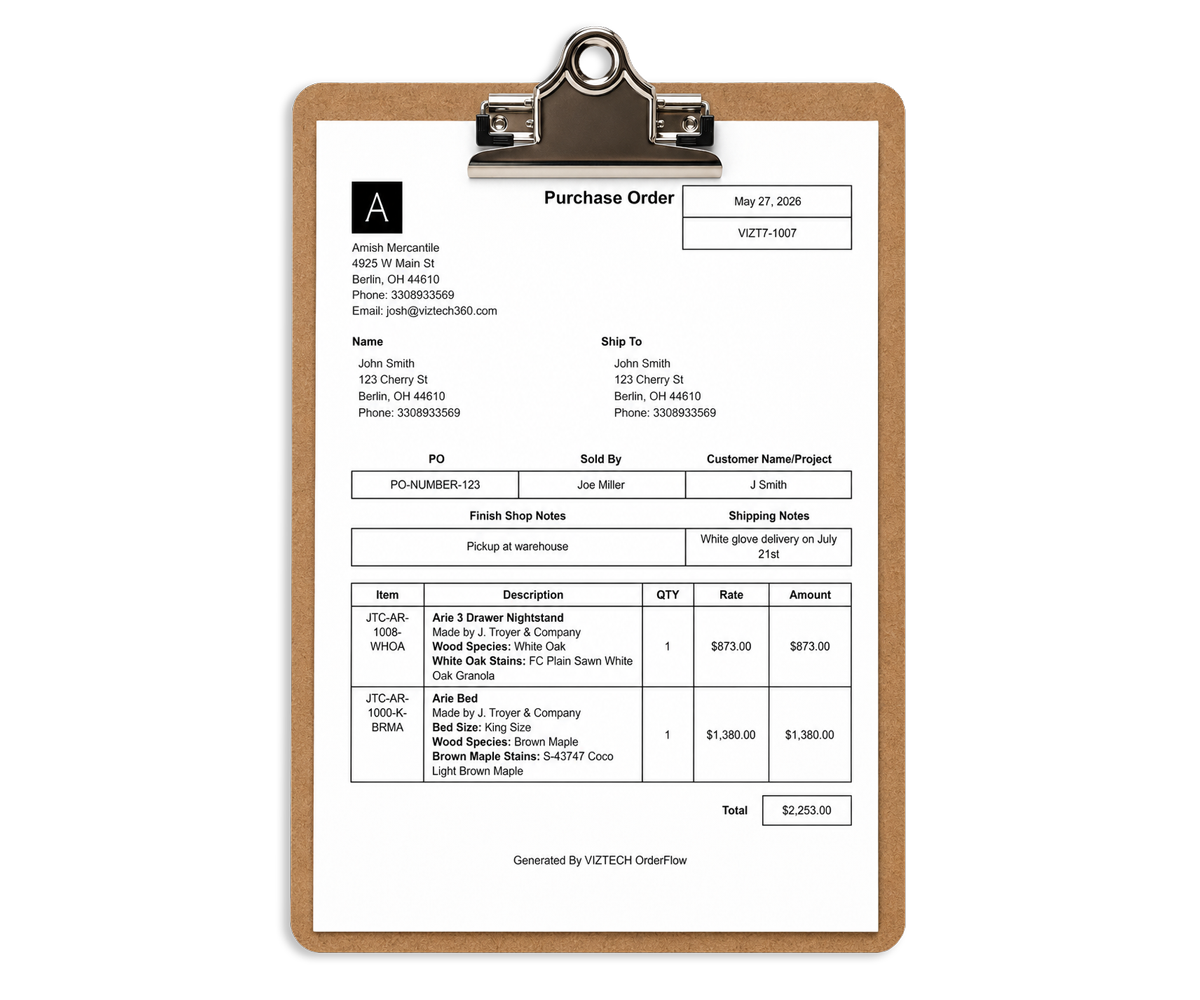
Send Purchase Orders
Generate and send purchase orders to builders with less paperwork and fewer mistakes.
OrderFlow helps retailers organize builder orders and streamline communication between the showroom and the builder.
Features
- Generate purchase orders instantly
- Organize builder-specific orders
- Reduce ordering errors
- Keep order records centralized
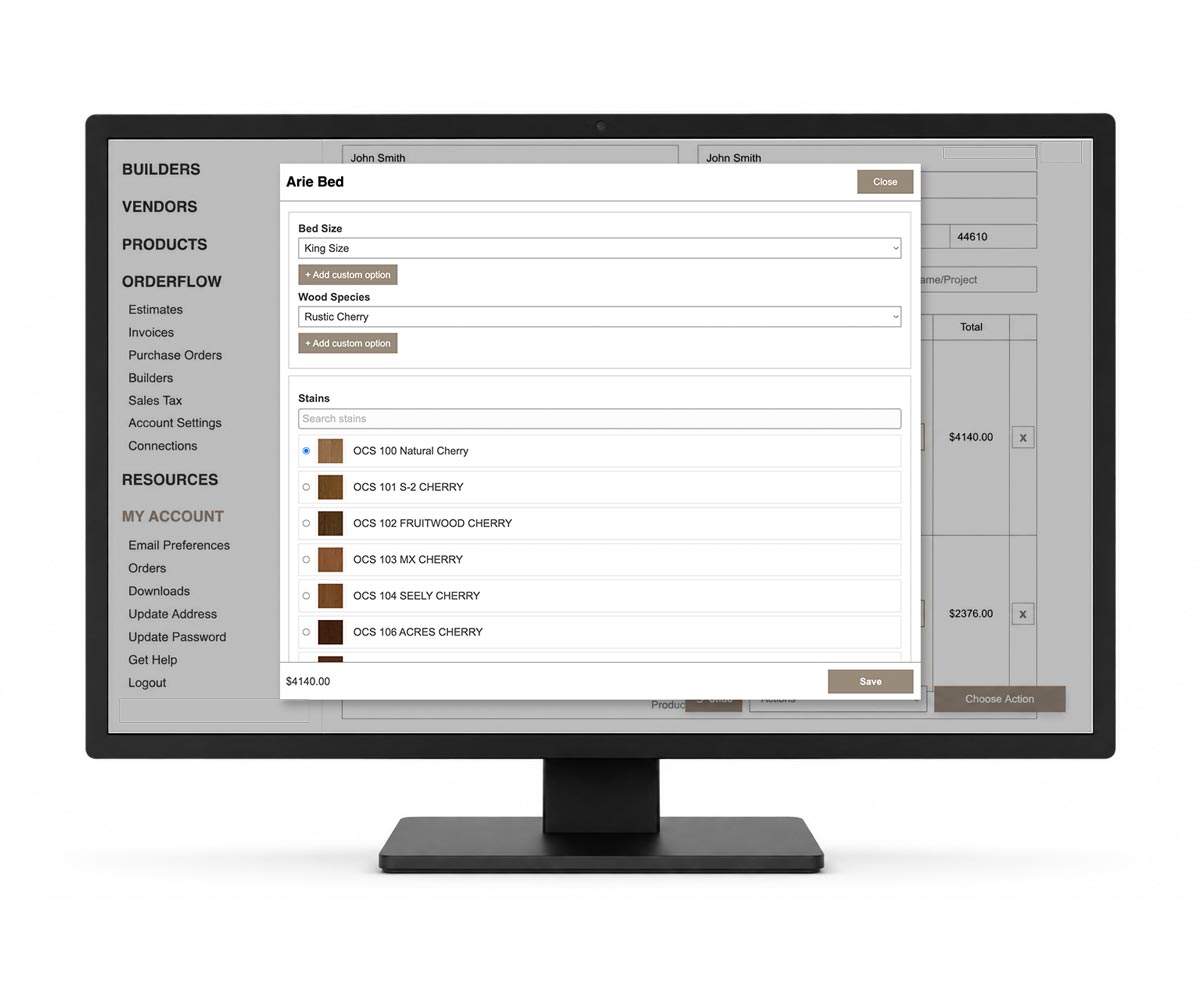
Manage Products & Builders
Use products and builders from the VIZTECH database or create your own.
OrderFlow gives retailers flexibility by allowing them to manage both VIZTECH-connected builders and custom builders outside the database. Add products, update pricing, organize collections, and maintain builder information all in one system.
Features
- Access VIZTECH Furniture products
- Add your own custom builders
- Create and manage custom products
- Organize pricing and product information
- Centralize builder management
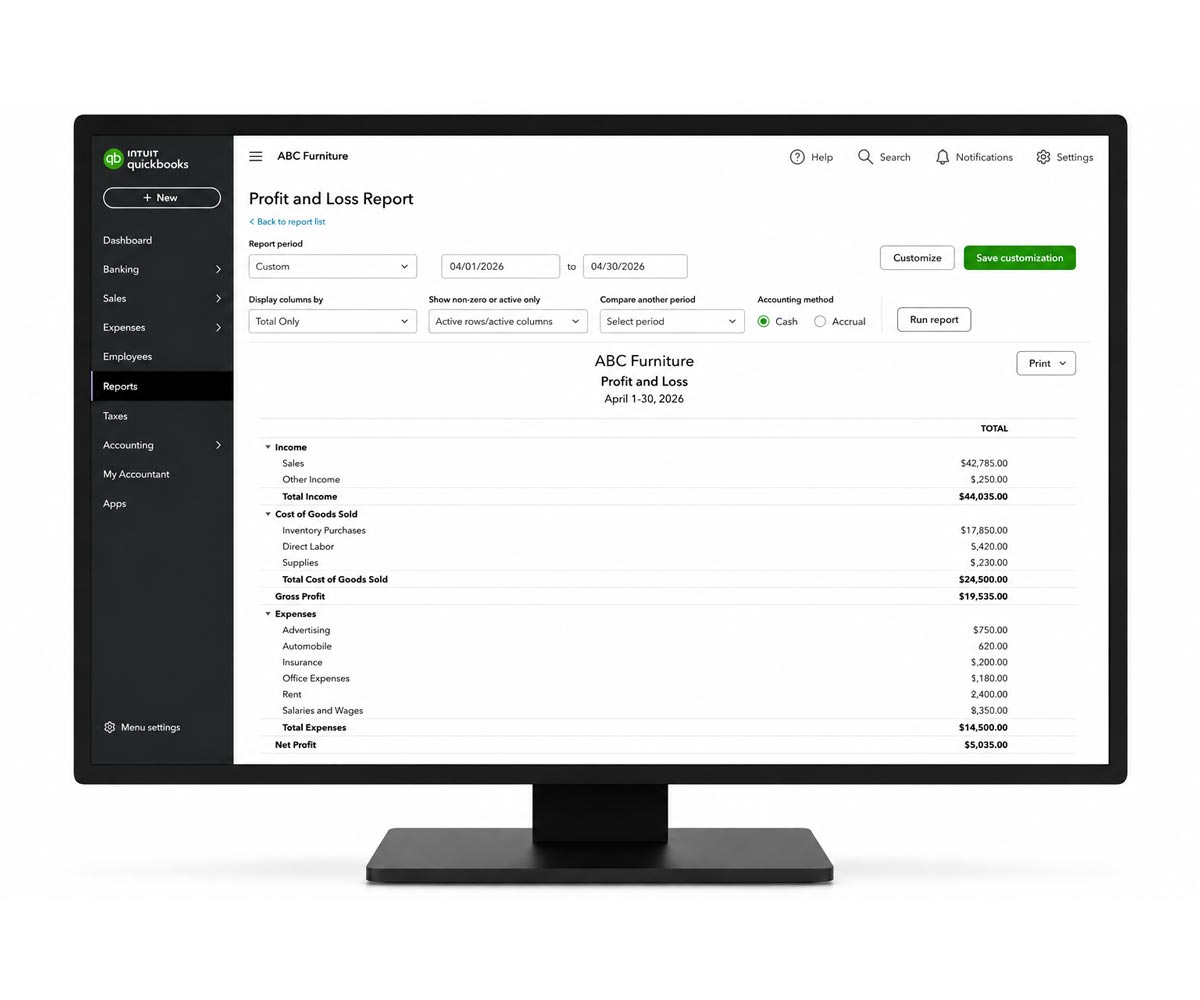
Connect to QuickBooks Online & Zoho
Keep your systems connected and run reports.
OrderFlow integrates with QuickBooks Online and Zoho CRM to help reduce duplicate data entry and improve workflow between accounting, sales, and customer management.
Features
- Sync invoices, estimates, and purchase orders
- Sync customer information
- Run accounting reports
How OrderFlow Works
1. Create an Estimate
Build an estimate with customer details, product information, pricing, and order notes.
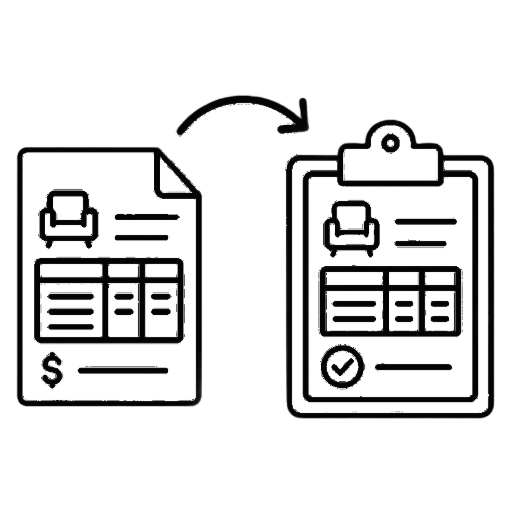
2. Convert to a Sales Order
Convert the approved estimate into a sales order for review and sharing with the customer.
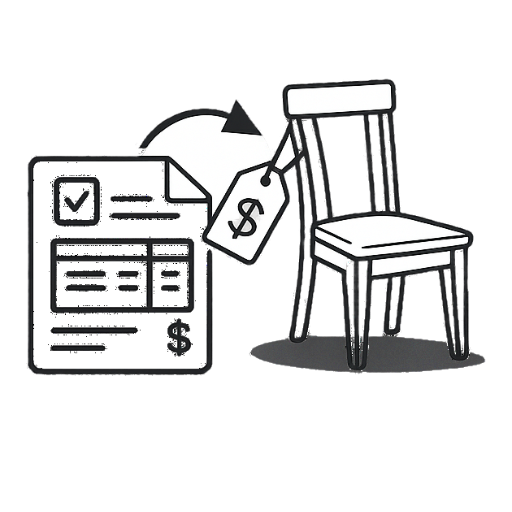
3. Convert to Purchase Order
Convert the sales order into a purchase order with the information the builder needs.
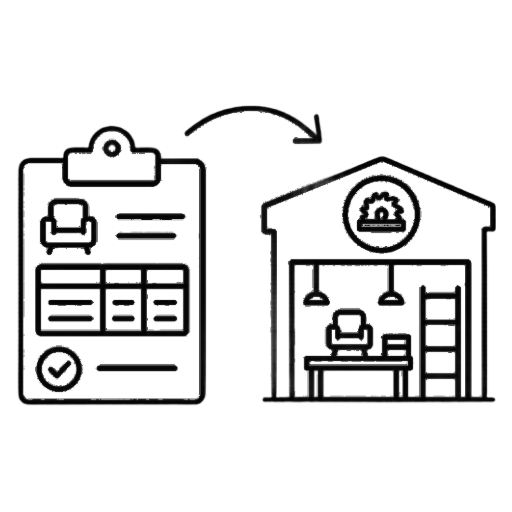
4. Submit to Builders
Submit the purchase order to builders so it can move forward with production.
If your team is still managing orders across scattered systems, using outdated price lists, or relying on excessive manual follow-up, OrderFlow offers a clearer path forward. Call 330-893-3569 to request an OrderFlow demo and see how it can support your ordering process.


